
Colorblind simulator
Compare a photo with illustrative approximations of protanopia, deuteranopia, tritanopia and achromatopsia.
Open the colorblind simulatorStep into a different perspective. Compare a photo with illustrative approximations of color perception, side by side with the original.
A little curiosity is all you need.

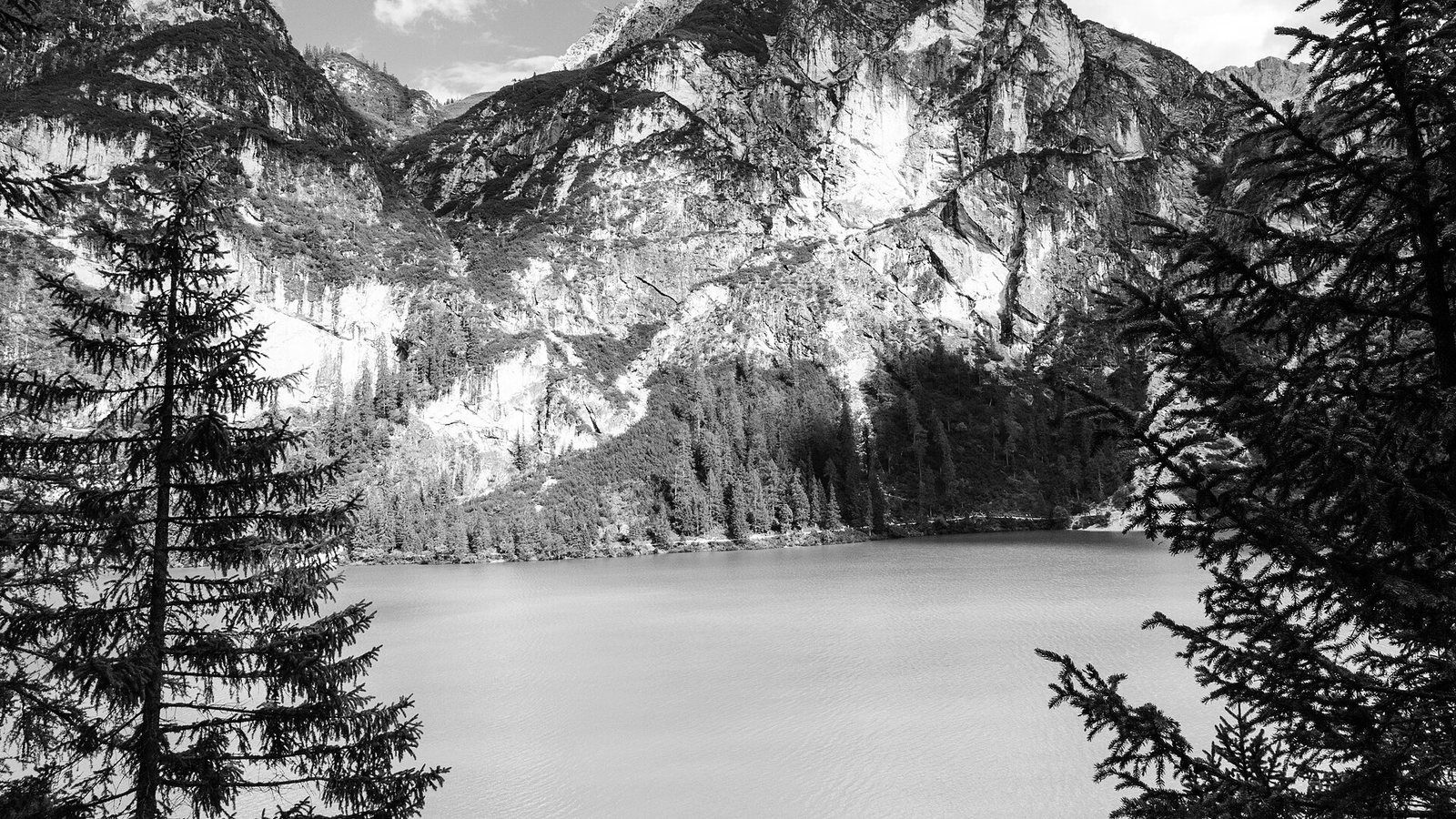


A familiar place. A different perspective.
Move the divider. Notice what changes.
A shift in perspective
Compare a photo with illustrative approximations of protanopia, deuteranopia, tritanopia and achromatopsia.
Open the colorblind simulator
02 / Animal vision
Photo comparisons for dogs and cats, shown beside a human view.
Explore animal vision
03 / Visual clarity
Illustrative blur and clarity comparisons for a sample or your own image.
Open the clarity simulatorBeyond what we see
Vision is personal. No simulation can fully represent another individual’s experience.
exploresight makes those differences a starting point for curiosity: compare a photo with illustrative approximations, read how each mode works, and notice what changes. The aim is to understand a little more, not to see as someone else does.
Follow your curiosity
Pick a sample or your own image, then choose a mode.
Compare the result with the original and drag the divider to see what changes.
Read how each mode works, with its limitations and sources.
A moment of discovery
The two center squares are drawn in the same color. Look at them against each background and notice whether they seem to differ.
This is a visual illustration, not a measurement of your vision.
The science of seeing
A lens for learning, not a perfect replica.
Vision is personal. No simulation can fully represent another individual’s experience.
Each mode that changes a photo shows one of three accuracy labels, with its limitations next to the result.
On the colorblind simulator, your image is processed in your browser and is not uploaded or stored.
Method and sources for the colorblind simulator
Field notes
Short reads for a wider view of the world.
01 / Light & color
More to explore
Questions & curiosity
A little context before you step into a different perspective.
Get in touch(opens the contact page)Choose a sample or your own image, pick a mode, and compare it with the original. Every mode works on the pixels in your browser, and the method behind each one is listed with its sources on the simulator page.
This tool is for curiosity and education. It can't tell you anything about your own vision. If you have questions about how you see color, an eye-care professional can help.
On the colorblind simulator, your image is processed in your browser and is not uploaded or stored.
Each mode that changes a photo shows one of three labels with its limitations beside the result: research-based model, approximation or illustrative effect. The simulator page explains how each mode works and lists its sources.
A little perspective changes everything
The world has more to show you. Take a look.